Church Directory Access
To view the Online Member Directory and connect with other families, please download the official church app on your smartphone or tablet.
Check out the step-by-step instructions below to get started and update your profile:
- Church Directory (If you have the App on your device)
- Apple Users (To download the App)
- Android Users (To download the App)
1. Church Directory

- Open the app on your device.
- Tap Connect with Us.
- Scroll down and select Church Directory.
2. Apple Users
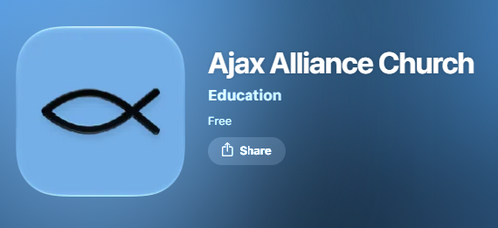
- Download: Go to the App Store and download the “Ajax Alliance Church” Education app.
Click the button below:

3. Android Users

- Download: Go to the Google Play and download "The Church App" by Subsplash.
- Search: Open The Church App, select the search tool, and type "Ajax Alliance Church".
Click the button below: