Introducing our FREE church App
The App works with your Apple or Android smart phone and tablet. With the App, you can easily watch and listen to sermons on-the-go, download media for offline listening, find and register for events, submit prayer requests, read the Bible, give to AAC, access the online directory, and much more... Connect with AAC!
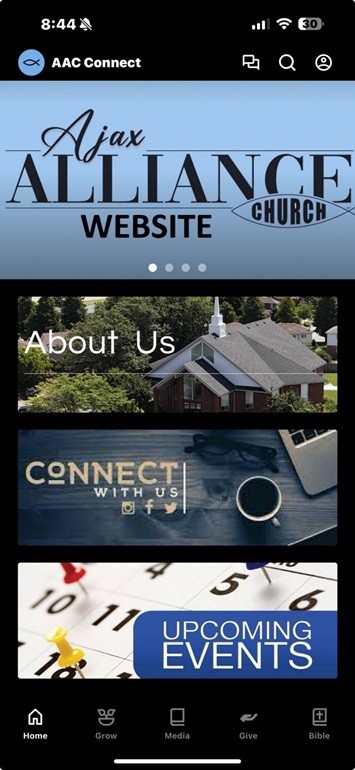
How To Get Started - Apple Users
- Download: Go to the App Store and download the “Ajax Alliance Church” Education app.
Click on the button below:

How To Get Started - Android Users
- Download: Go to the Google Play and download "The Church App" by Subsplash.
- Search: Open The Church App, select the search tool, and type "Ajax Alliance Church".
Click on the button below:

Ajax Alliance Church App
Device Compatibility Check:
Device Compatibility Check:
- iOS devices need iOS 13.0 or above.
- Android devices need version 7.0 or above.
- iPhone/iPad: Open the app → Profile menu (top-right) → Press and hold "Subsplash" at bottom until troubleshooting page opens → Select "Clear Cache“.
- Android: Device Settings → Apps & Notifications → Find your church app → Clear storage and cache.
- Ensure you have a strong Wi-Fi or cellular connection, then try uninstalling and reinstalling the app if clearing cache doesn't work.